Cliptych
Chrome extension · free with a badge

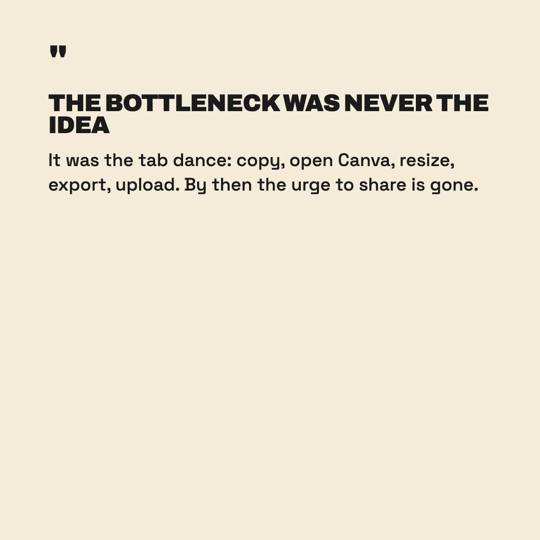
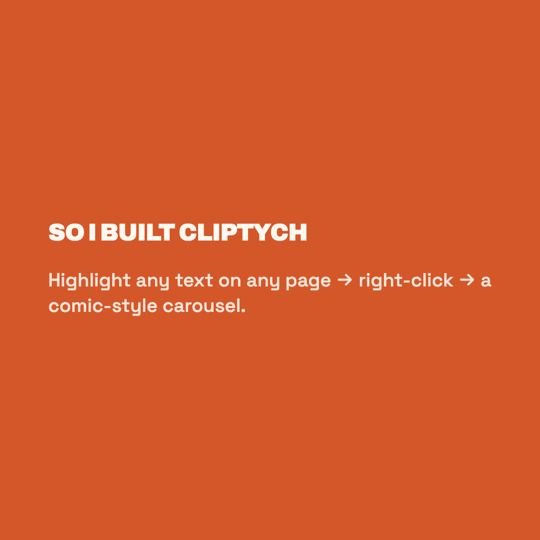
Quote carousel.

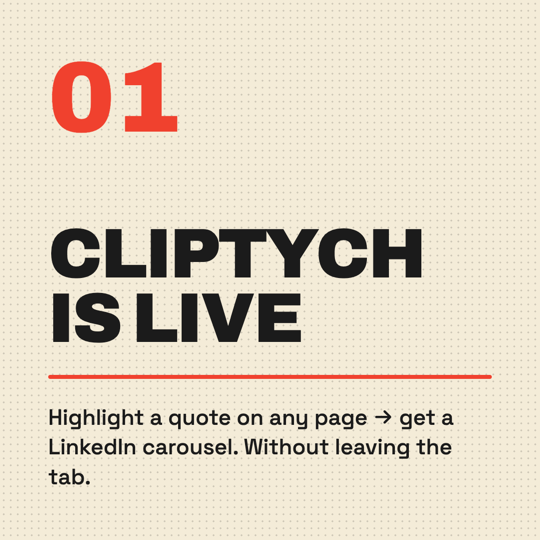
I read more interesting things than I share. The bottleneck isn't time — it's tab-switching to Canva. So I built the tool that lives in the tab I'm already in.

Made solo in Vietnam. ~467 KB zipped. No accounts. No telemetry. No AI bill.

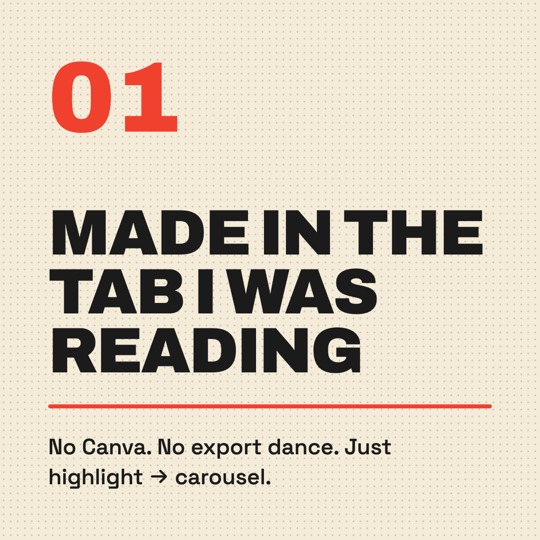
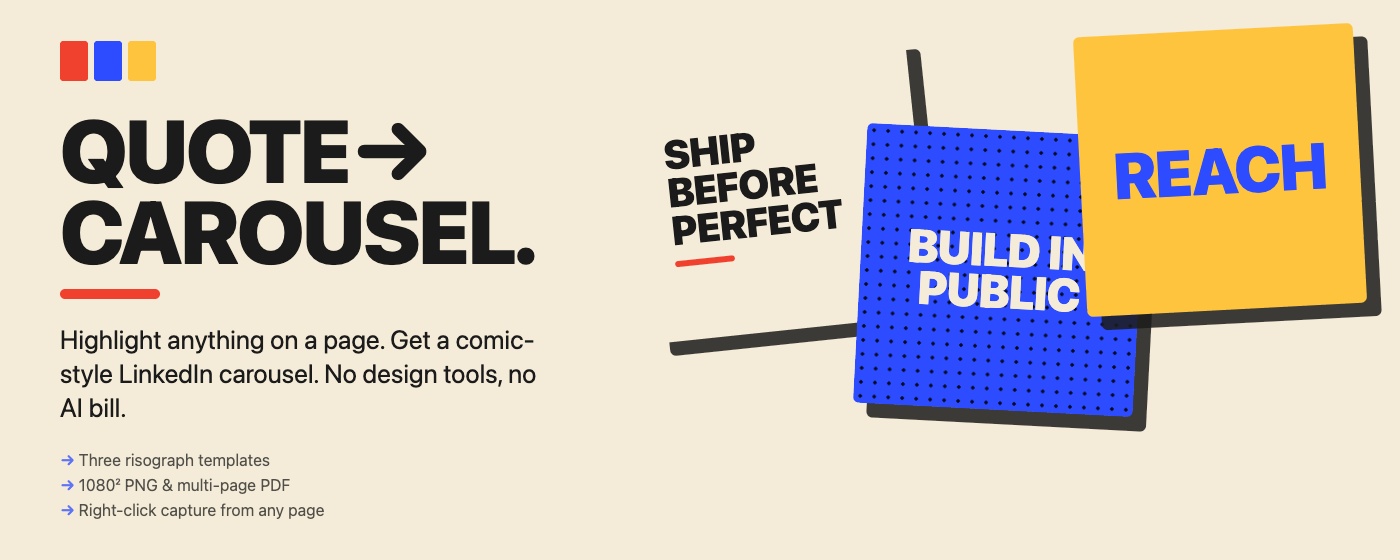
Three Cliptych panels on a cream background

Two clicks. No tab-switching.

1

Highlight

Any text on any page — an article, a tweet, a doc, an email.

2

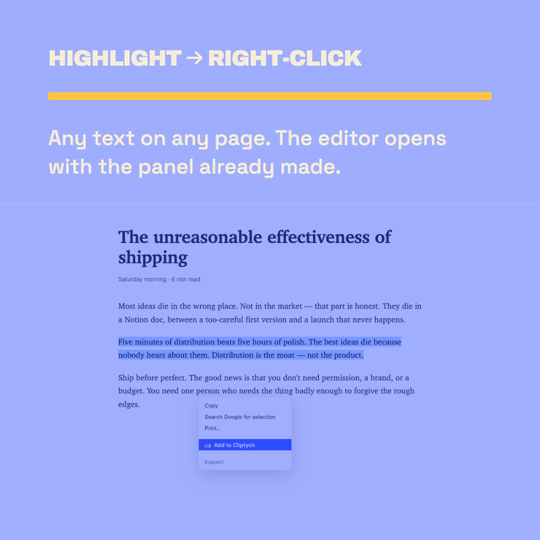
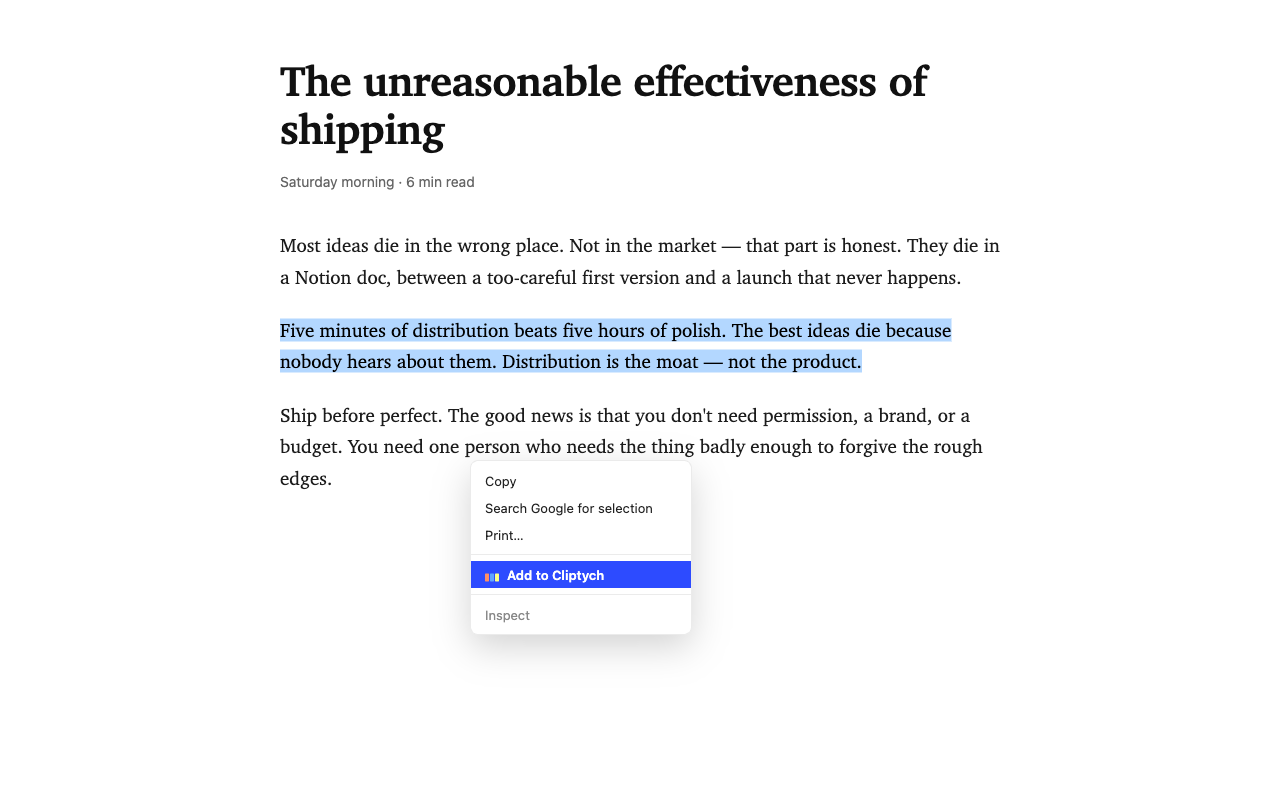
Right-click → Add to Cliptych

The editor opens in a new tab with the panel already made. The selected text is your headline.

Right-click context menu showing Add to Cliptych
3

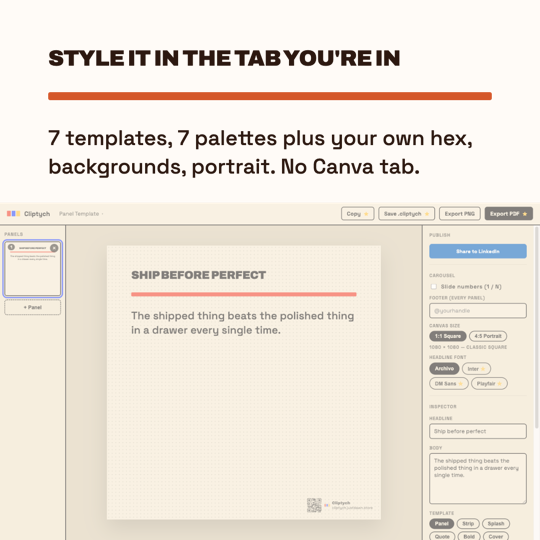
Style it

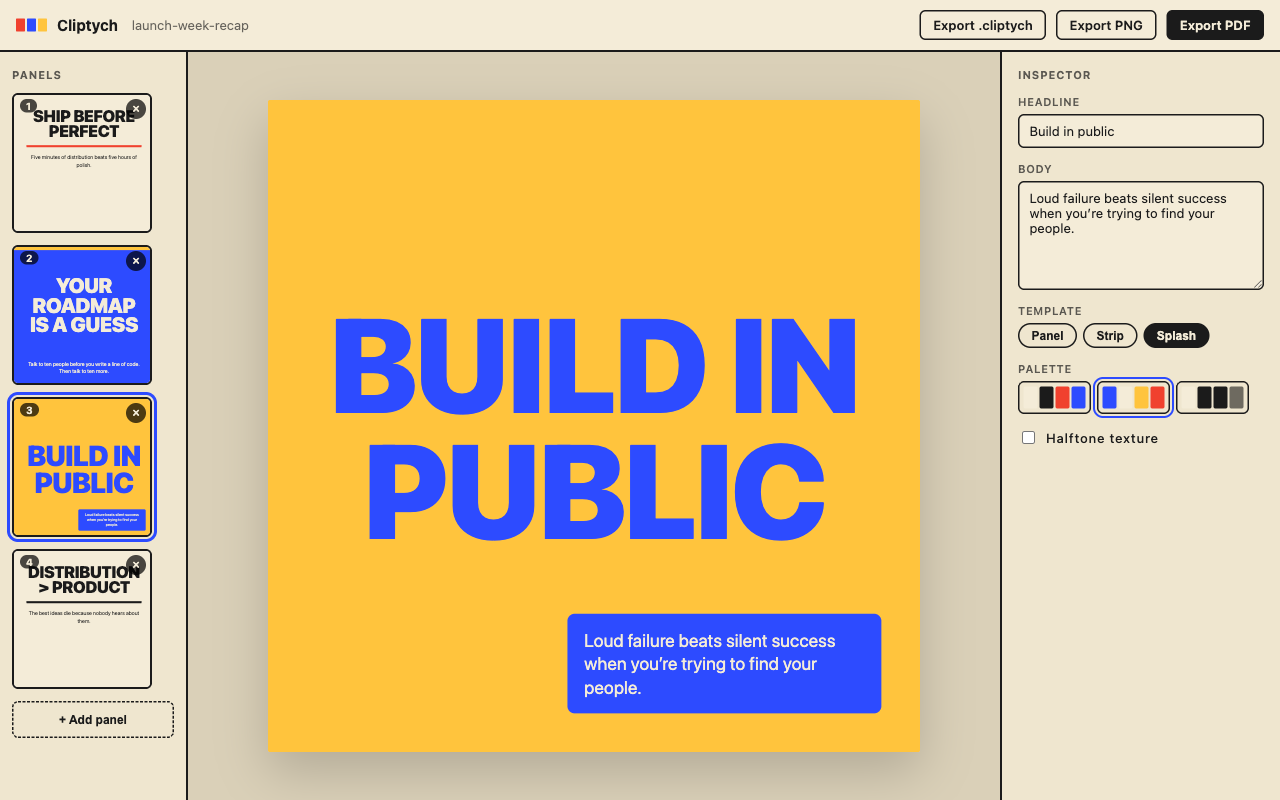
Cycle seven risograph templates and palettes, toggle halftone, drop a background image on any panel — or switch to 4:5 Portrait for the 1080 × 1350 format.

The Cliptych editor with a yellow splash panel
4

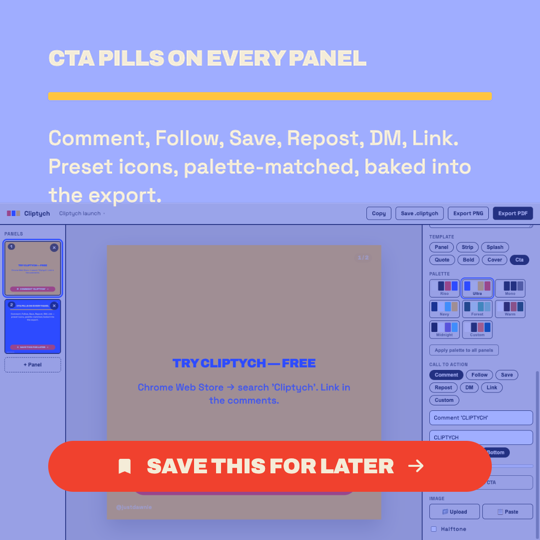
Add a CTA pill (Pro)

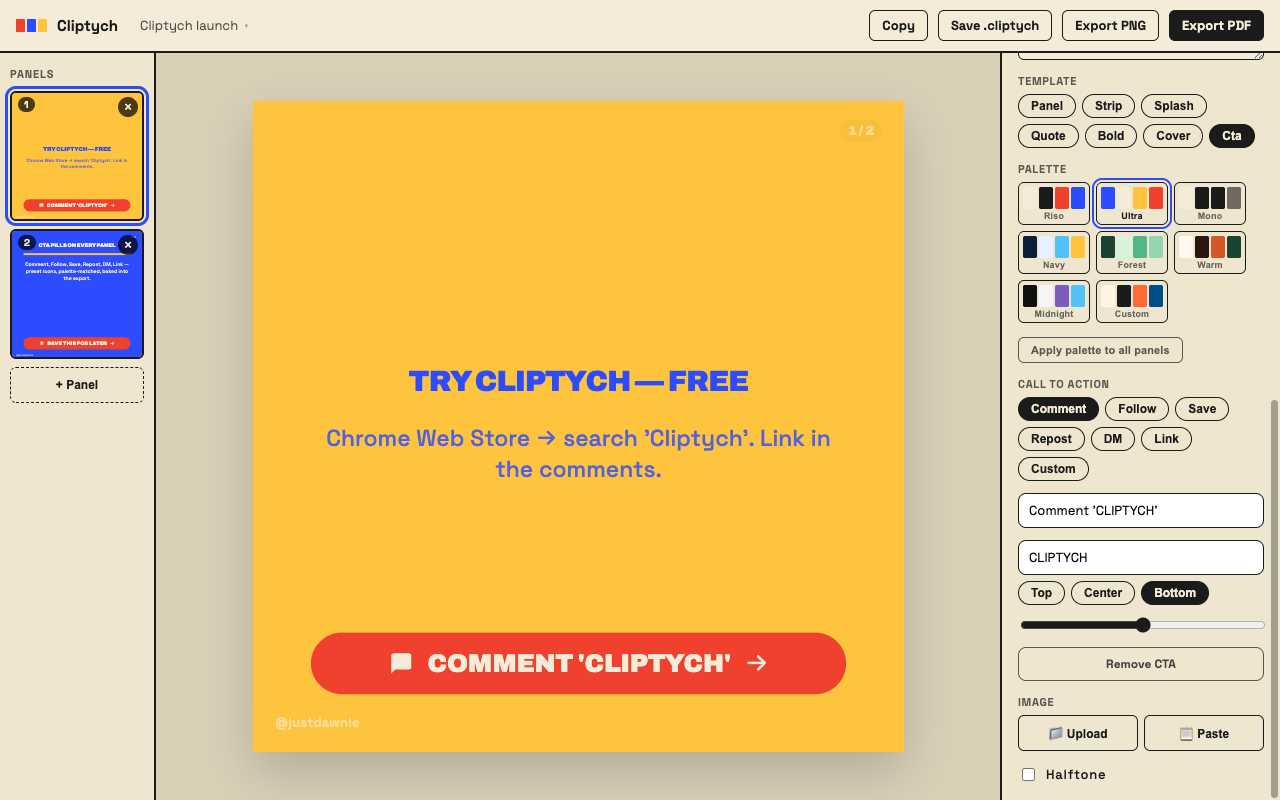
Comment, Follow, Save, Repost, DM, Link — or your own words. Preset icons, top / center / bottom anchors plus a nudge slider, baked into every export.

A panel with a Follow call-to-action pill and the CTA controls in the inspector
5

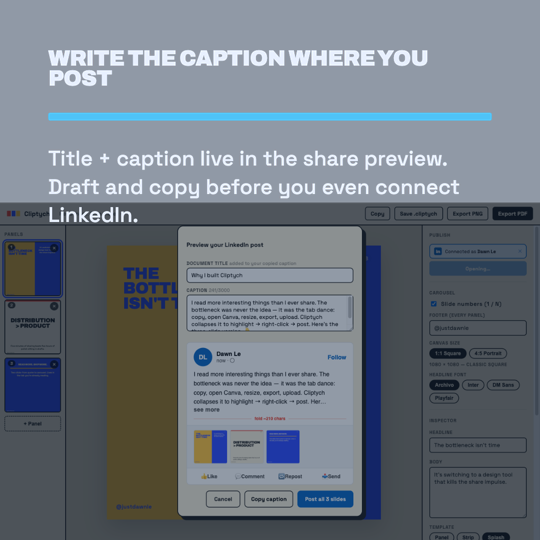
Preview & post

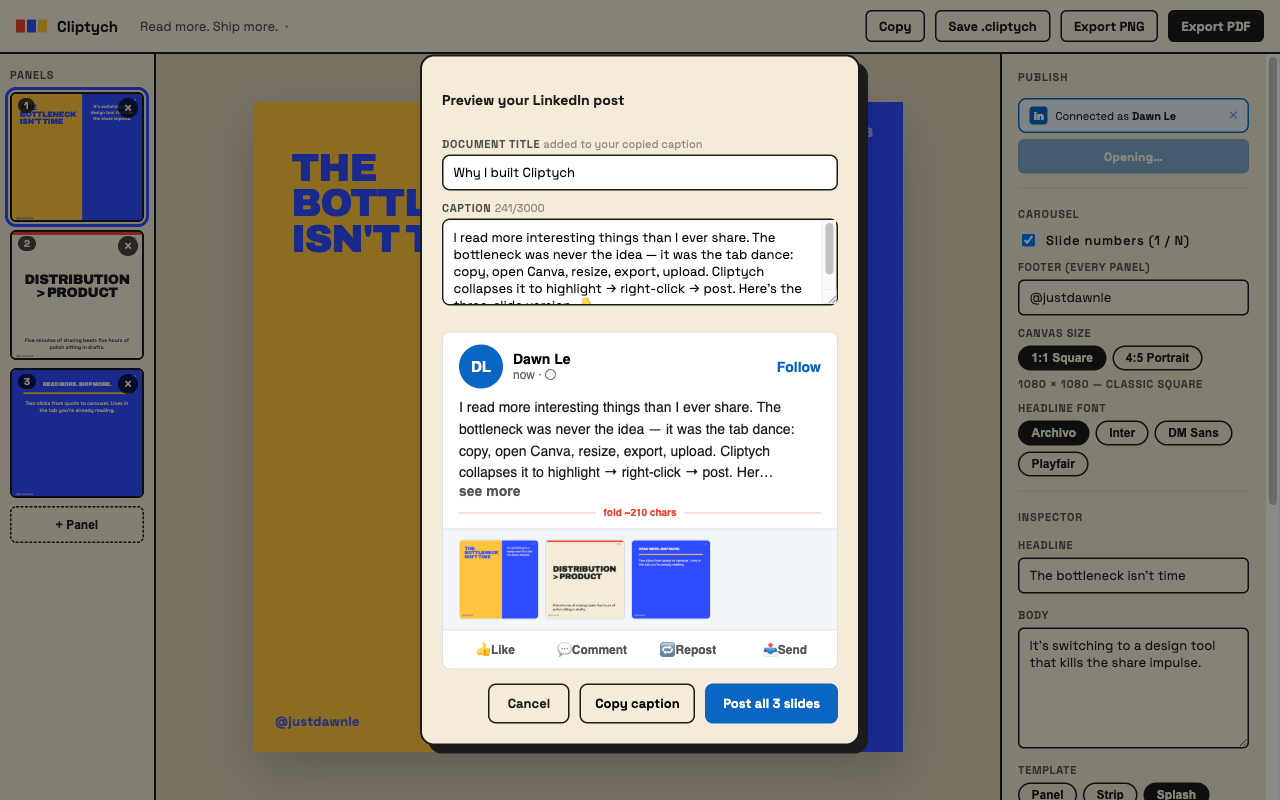
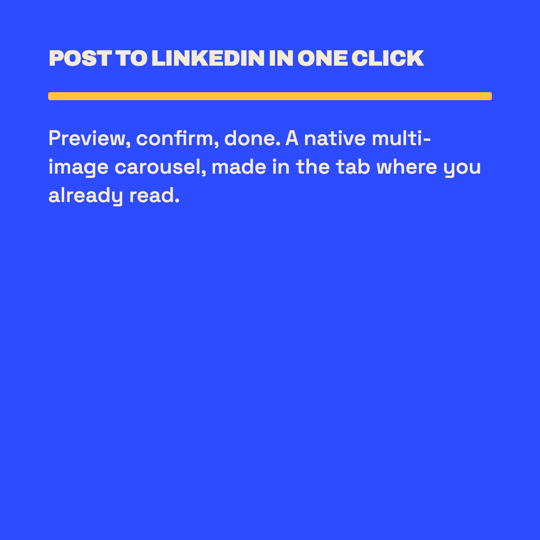
Hit Share and write your caption right in the preview — before you even connect LinkedIn. A single image on Free, the native multi-image carousel on Pro. No re-uploading, no Canva tab.

The LinkedIn share preview modal with an editable caption

Made with Cliptych

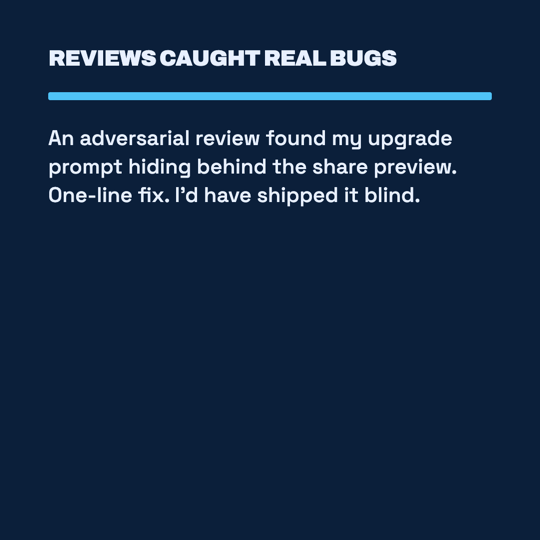
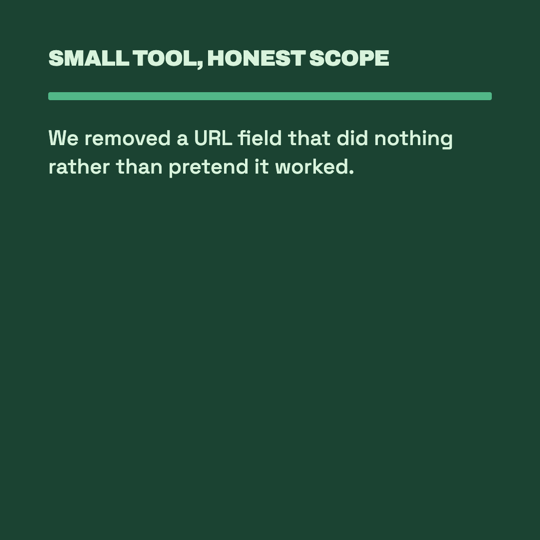
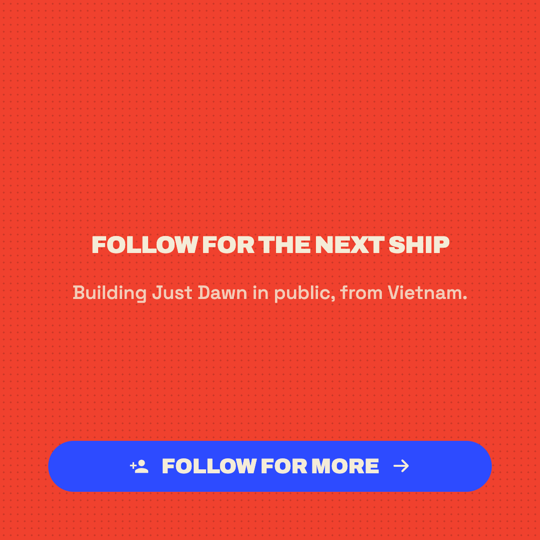
Real carousels — captured, styled, and exported with the extension itself. Swipe through.

Launch pitch

The pitch, as a carousel.6 slides
Launch pitch — slide 1 of 6Launch pitch — slide 2 of 6Launch pitch — slide 3 of 6Launch pitch — slide 4 of 6Launch pitch — slide 5 of 6Launch pitch — slide 6 of 6

Free vs Pro

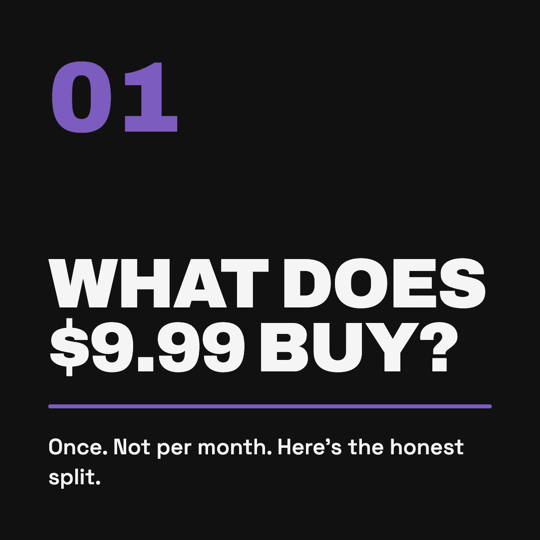
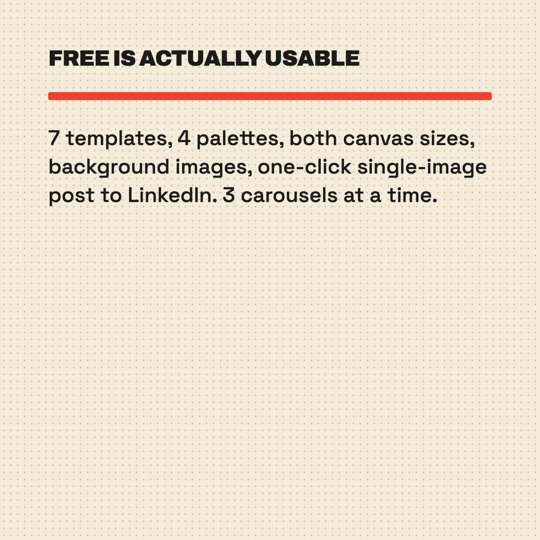
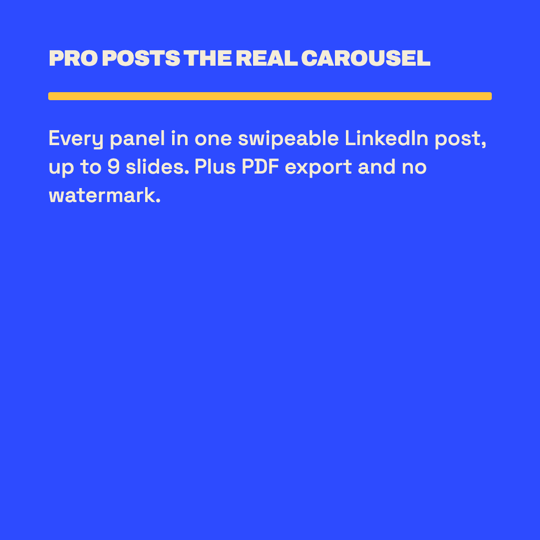
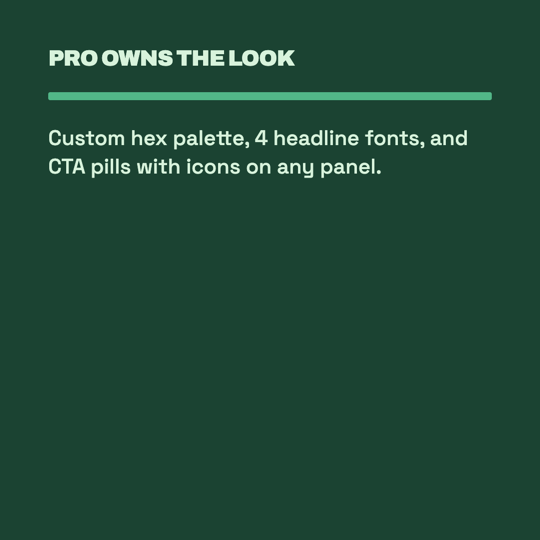
What the $9.99 actually buys.6 slides
Free vs Pro — slide 1 of 6Free vs Pro — slide 2 of 6Free vs Pro — slide 3 of 6Free vs Pro — slide 4 of 6Free vs Pro — slide 5 of 6Free vs Pro — slide 6 of 6

The launch post

The full flow, highlight to posted — slides 2–5 are real screenshots.7 slides
The launch post — slide 1 of 7The launch post — slide 2 of 7The launch post — slide 3 of 7The launch post — slide 4 of 7The launch post — slide 5 of 7The launch post — slide 6 of 7The launch post — slide 7 of 7

Behind the build

How a solo dev ships a release in a day.6 slides
Behind the build — slide 1 of 6Behind the build — slide 2 of 6Behind the build — slide 3 of 6Behind the build — slide 4 of 6Behind the build — slide 5 of 6Behind the build — slide 6 of 6

Why this exists

Tools should live where you already are.Canva and Figma are great, but they're destinations. You have to leave what you're reading to use them. That gap kills the share impulse for me, and I bet it does for you.

$9.99 once, not $15/month forever.Carousel-making isn't a SaaS-pricing category. It's a thing you do when you read something good. A coffee and a tip — not a subscription.

Your work belongs in your browser.No accounts, no analytics, no telemetry. Your quotes and panels live in chrome.storage.local. Nothing leaves your machine unless you ask it to — posting to LinkedIn (via LinkedIn's official API) or activating your license. LinkedIn sign-in runs through OAuth and a tiny server-side relay, so your password never touches the extension.

No AI in the output.Cliptych doesn't write your headlines or rewrite your quotes. You pick the words. The tool does the layout.
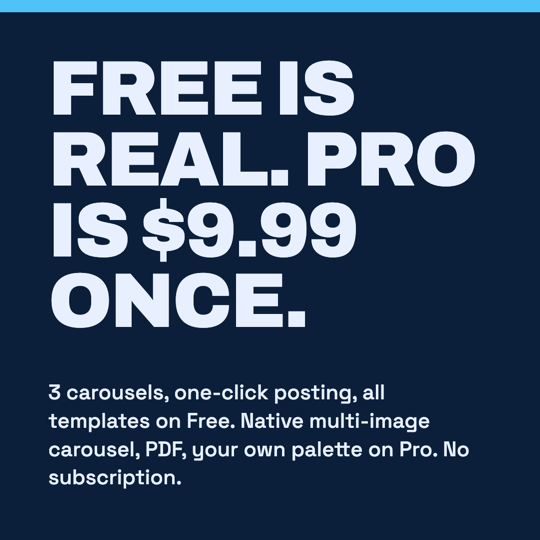
One price. Paid once.

Free

$0

  • Up to 3 active carousels
  • 7 templates & 4 palettes (Riso, Ultra, Mono, Warm)
  • Right-click capture from any page
  • One-click single-image post to LinkedIn (official OAuth)
  • Share preview with caption editor — draft & copy before connecting
  • Background image — upload or paste, set opacity / scale / tint
  • Auto source attribution (Medium, Substack, GitHub…)
  • Threading mode — slide numbers + footer
  • PNG export with QR watermark
  • UI in 7 languages
  • Single-image LinkedIn post only — carousel is Pro
  • No PDF export, custom palette, or font picker
  • No .cliptych project files
Install free
Pro

Cliptych Pro

$9.99 · paid once

  • Everything in Free
  • Native multi-image LinkedIn carousel — every panel, one click
  • Per-panel CTA pills — 7 presets with icons, position + nudge
  • Unlimited carousels
  • Multi-page PDF export (square or portrait)
  • QR watermark removed
  • 3 more palettes (Navy, Forest, Midnight) + custom palette (4 hex pickers)
  • Headline font picker (Archivo, Inter, DM Sans, Playfair)
  • Snapshot to clipboard (Cmd+Shift+C)
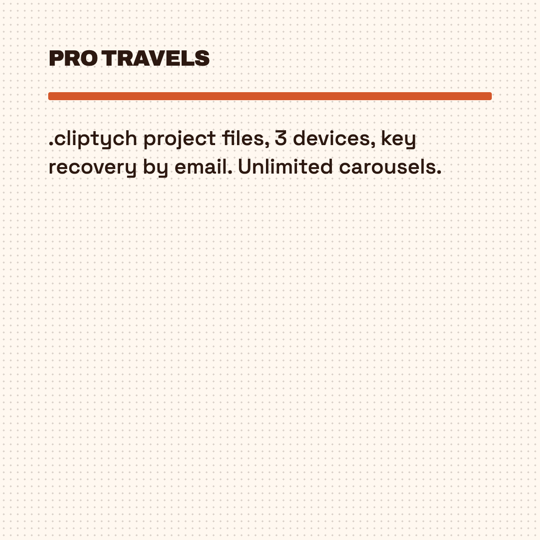
  • .cliptychfiles — back up & move between devices
  • Use Pro on 3 devices — manage & recover your key by email
  • Every future feature, paid once
Get Pro — $9.99

Checkout via Lemon Squeezy (because Stripe doesn't accept Vietnamese founders). Tax handled. License key arrives in seconds. 14 days to refund, no questions.

The full comparison

FeatureFreePro
Create
Templates77
Palettes4 (Riso, Ultra, Mono, Warm)7 + custom hex palette
Headline fontsArchivoArchivo, Inter, DM Sans, Playfair
Call-to-action pills — 7 presets, icons, position + nudge
Background images — focal point, opacity, scale, tint✓ upload✓ upload + clipboard paste
Canvas sizes — 1:1 Square & 4:5 Portrait
Threading, drag-to-reorder, auto-split, apply-palette-to-all
Export
PNG export✓ QR watermark✓ no watermark
Multi-page PDF export
Snapshot panel to clipboard (Cmd/Ctrl+Shift+C)
.cliptych project files — back up & move devices
Publish
Share preview with caption editor — works before connecting
Post to LinkedIn (official OAuth)Single imageNative carousel, up to 9 slides
Copy caption for manual posting
Limits
Active carousels3Unlimited
License devices3 devices + email key recovery
UI languages77

Changelog

v2.2live

Silent capture, undo, and a posted badge

  • Right-click capture no longer opens or focuses a tab. Adds count up on the toolbar icon and rapid captures land in order, none lost
  • New Cliptych submenu: send a highlight into the last panel's body instead of a new headline
  • Ctrl+Z / Cmd+Z undoes deletes, reorders, splits, and styling changes
  • Carousels posted to LinkedIn show a badge in the carousel list; imports work with a project open and keep background images
v2.1live

Call-to-action pills on every panel · publishing moved into the share preview

  • Per-panel CTA pill — Comment, Follow, Save, Repost, DM, Link, or custom; preset icons, top/center/bottom anchors plus a nudge slider, baked into every export (Pro)
  • Write your document title and caption right in the share preview — works before you connect LinkedIn; copy the caption for manual posting
  • Fixes: panel thumbnails no longer clip, the Bold template centers its text, and upgrade prompts / status messages now appear above the preview
v2.0live

Post to LinkedIn in one click — preview, then a single image or a native multi-image carousel

  • Publish straight to LinkedIn via the official API — preview the post first, then share a single panel as an image (Free) or all panels as a native, swipeable multi-image carousel, up to 9 slides (Pro)
  • Recover your license by email, and see & remove the devices it's activated on (up to 3)
  • Hardened, secret-safe LinkedIn sign-in
v1.1live

Background image · Portrait mode · Publish section · Apply palette to all

  • Background image — upload from disk or paste from clipboard onto any panel; set focal point, opacity %, scale %, and palette tint overlay for text readability
  • 4:5 Portrait canvas (1080 × 1350) — square and portrait in the same project, switch with one click
  • Publish section — document title, auto-filled caption, one-click copy to clipboard
  • Apply palette to all panels at once
  • Headline overflow fixed on strip and bold templates; text now always renders above background images
v1.0.3

New templates · New palettes · Reorder · Auto-split

  • 3 new templates: Quote, Bold, Cover — now 7 total
  • 4 new palettes: Navy, Forest, Warm, Midnight — now 8 total
  • Drag panels to reorder within a carousel
  • Auto-split — long body text splits into a new panel at the nearest sentence break
  • DM Sans and Playfair Display added to the font picker — now 4 typefaces (Pro)
  • Bug fixes
v1.0.2

Custom palette · Font picker · Snapshot

  • Custom palette — 4 hex color pickers (bg / ink / accent / pop) per project (Pro)
  • Font picker — Archivo or Inter, both with Vietnamese support (Pro)
  • Snapshot to clipboard — Cmd/Ctrl+Shift+C copies the current panel as a PNG (Pro)
  • Vietnamese typeface — headlines now render correctly in the bundled fonts
  • Body text auto-shrink — long body no longer clips at the panel boundary
v1.0

Initial release

  • Right-click capture from any page — selected text becomes the headline, source auto-attributed
  • Panel, Strip, Splash templates · 3 palettes · halftone toggle
  • PNG export with QR watermark · PDF export (Pro) · watermark removal (Pro)
  • Threading mode — slide numbers and footer text on every panel
  • Native UI in 7 languages

Get it

Cliptych is live on the Chrome Web Store. Free install, no account.

Add to Chrome →Cliptych - Highlight a quote on any page → get a LinkedIn carousel | Product Hunt

Want a heads-up on what comes next? Email me.